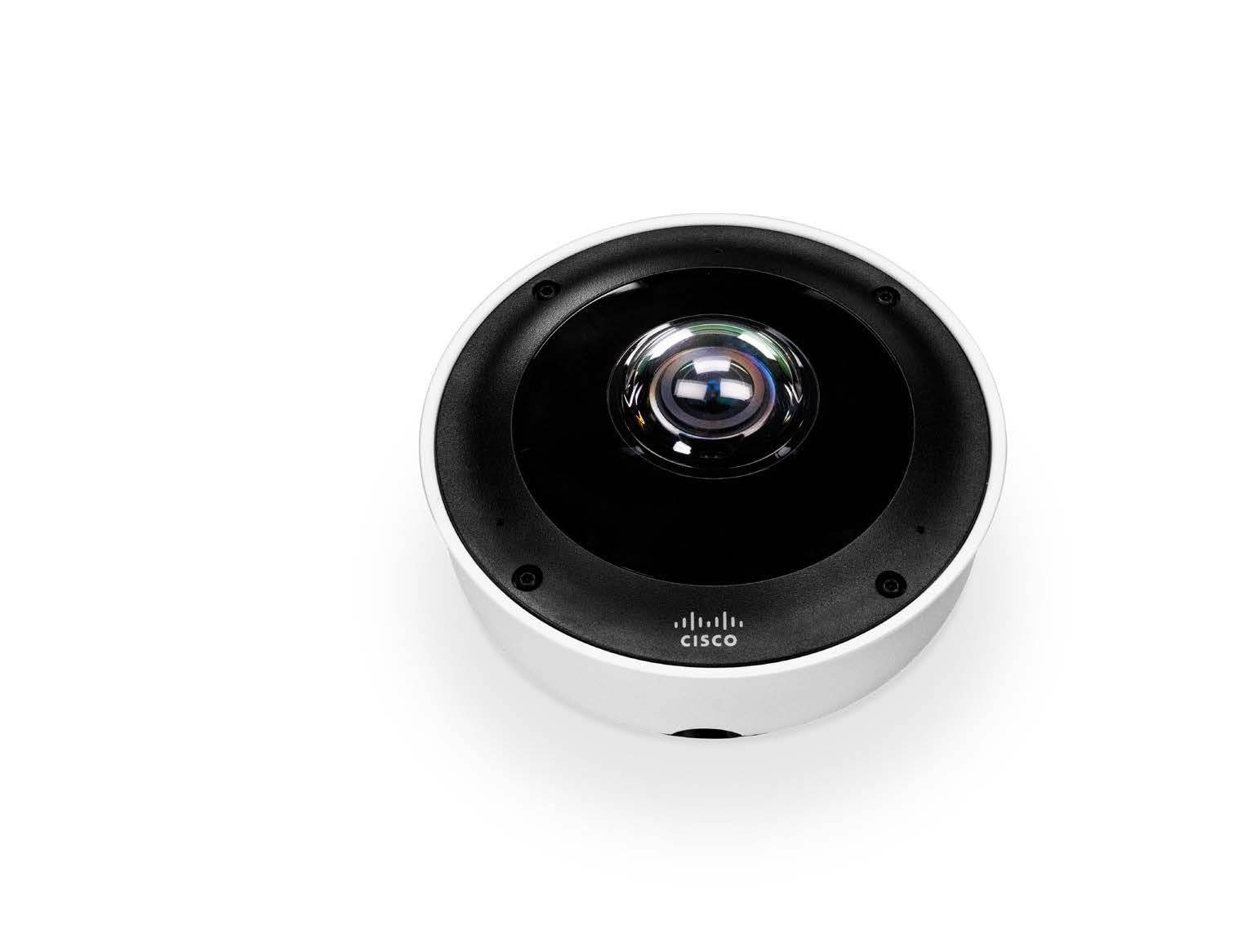
Description License for MR wireless Access Point. One per AP required. The wireless license product line has two tiers: Enterprise (the minimum requirement and until recently (Oct 2020) the only choice ‘LIC-ENT-…‘); and Advanced/Upgrade (‘LIC-MR-ADV-…”) which are described in detail in the MR Advanced/Upgrade License document, and summarised below. Select your tier in the ‘Wireless License Type’ drop-down selector. These are the available options: LIC-ENT-1D, LIC-ENT-1YR, LIC-ENT-3YR, LIC-ENT-3YR, LIC-ENT-5YR, LIC-ENT-7YR, LIC-ENT-10YR LIC-MR-ADV-1D, LIC-MR-ADV-1Y, LIC-MR-ADV-3Y, LIC-MR-ADV-5Y Advanced/Upgrade Licenses for MR The Meraki MR Upgrade Licenses (and Advanced Licenses) with Cisco Umbrella integration enables Meraki administrators to assign predefined Umbrella content filtering and security policies to an SSID or Group Policy directly from the dashboard and removes the need to integrate with an existing Umbrella dashboard or Umbrella account. Once Umbrella policies are assigned, all DNS requests from wireless clients will be intercepted by the upstream MR access point and redirected to Cisco’s Umbrella DNS resolvers for evaluation. That DNS lookup either resolves successfully, allowing the client to connect to the requested web page, or gets blocked which redirects the client to an Umbrella block page. The MR Upgrade license is considered an add-on license and enables Umbrella functionality only. It can only be assigned to MR access points with an active device (Enterprise) license. This license is generally purchased for MR access points that already have a basic enterprise license (not already enabled for Umbrella). If purchased and assigned together, MR Upgrade and MR device (Enterprise) licenses will share an expiration date. If purchased and assigned separately, they can have different expiration dates. Sets of “1-day licenses” can be used to “true-up” two licenses (make expiration dates the same) with different expiration dates. You can learn more about PDL model in the Meraki Per-Device Licensing Overview document. Note that if a device (Enterprise) license expires before the MR Upgrade license does, the Umbrella functionality will also stop working on that access point. The reverse is true as well. If an MR Upgrade license expires before a device (Enterprise) license does, the Umbrella functionality will stop working on that access point, however, the access point will continue to function without Umbrella features. Prerequisites In order to use the new MR Advanced & Upgrade License Umbrella integration the following prerequisites have to be met: Each network using the integration must have a valid MR Advanced or MR Upgrade device (Enterprise) license assigned for every access point. All access points in the dashboard network must be running MR 26.1 firmware.